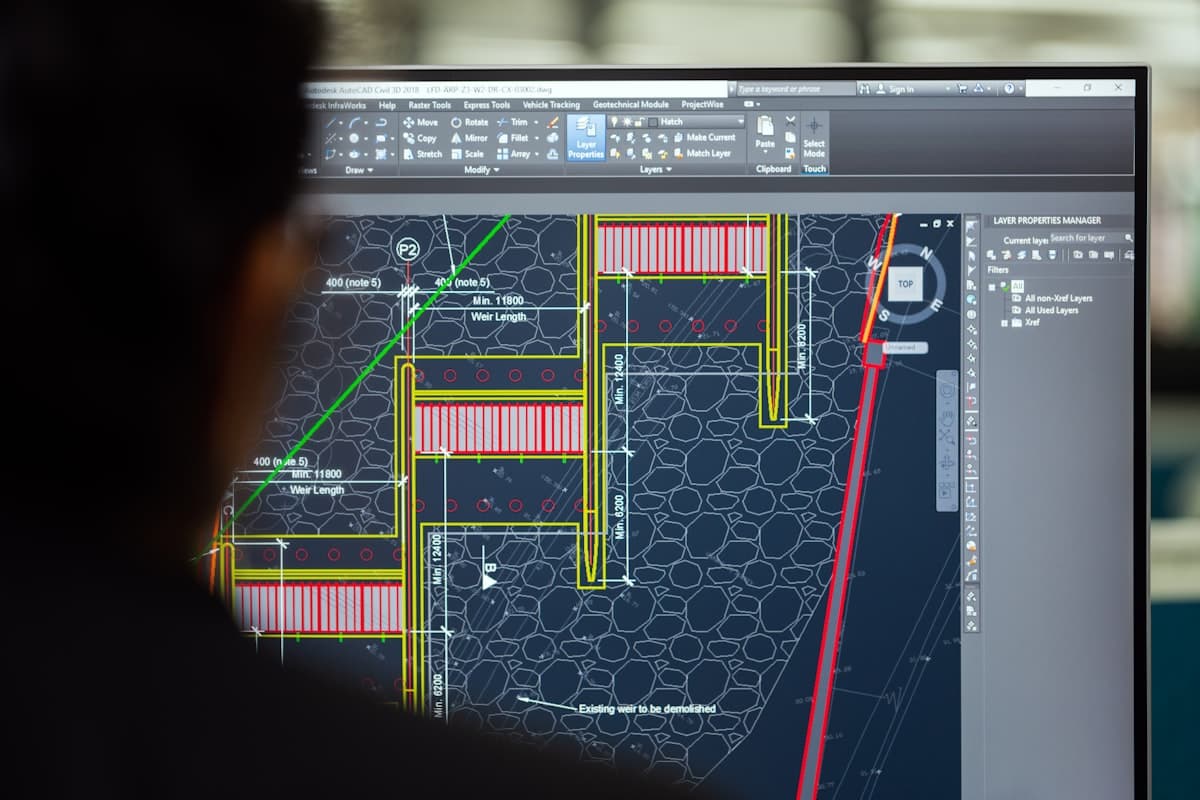
Point cloud to CAD drawings and 3D models
Measurement data only has value once it is processed into usable drawings and models. Your engineer needs a DWG, not a coordinate list. Your structural engineer works in Revit, not with a point cloud. Our drafting work makes that translation.
We process measurement data, point clouds and 3D scan results into professional technical documentation. The drawings are delivered in the format your organization needs.
If the scan data does not exist yet, we can capture it ourselves with 3D laser scanning.
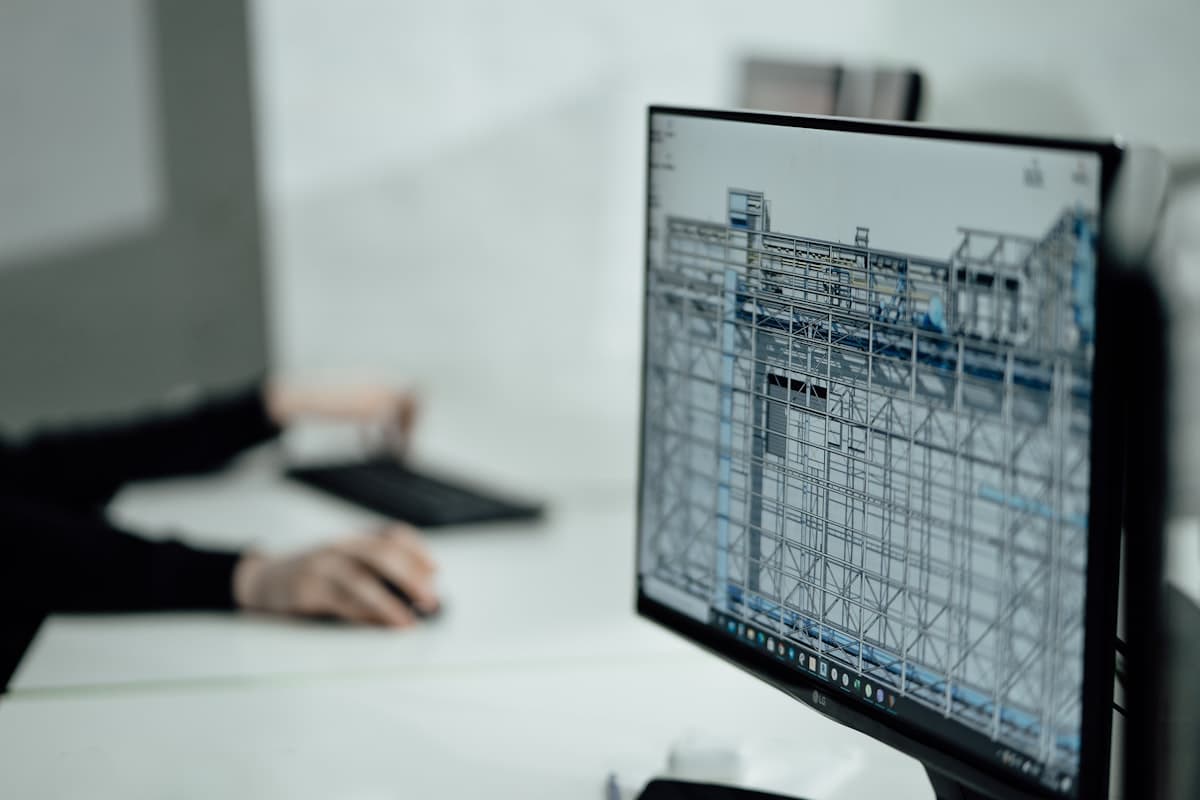
Equipment & software
- AutoCAD
- Revit
- Cyclone
- ReCap Pro
When does Scan-to-BIM pay off for your project?
From simple floor plans and sections to complex Scan-to-BIM models in Revit or Navisworks.
Scan-to-BIM pays off when you need more than the shape, because you also need the information behind it. A model in Revit or Navisworks holds materials, systems and classifications alongside the geometry, so your engineers and facility managers can work from it for years. If the job only turns on dimensions, a 2D drawing from the same point cloud is usually enough. We agree the level of detail (LOD) with you up front, so you do not pay for detail you will not use.
As-built drawings of what was actually built
Whether it concerns a revision drawing of an existing installation or isometric pipe drawings for piping, we deliver drawings your team can put to work immediately.
An as-built drawing shows what is actually standing, including the changes made during execution.
As-built documentation for handover and maintenance
Once a project is handed over, your maintenance organization needs a drawing set that matches reality. We deliver that as-built documentation in DWG, RVT or IFC, including layer structure and metadata, so maintenance and permit applications run on current information. When the next modification comes up, your engineer starts from that set, with the situation as it was at handover.
What you receive after the drafting work
2D drawings (floor plans, sections, facades)
3D modeling based on scan data
Point cloud processing and registration
Scan-to-BIM models (Revit, Navisworks)
Isometric pipe drawings
Frequently asked questions about CAD drafting
The most asked questions about Drafting / CAD. Question not listed? Feel free to get in touch.
Standard in DWG (AutoCAD). For BIM projects in RVT (Revit) or IFC (open BIM). Point clouds in E57 or RCP. Always accompanied by a PDF for quick reference. We deliver in the format your software and workflow require.
Scan-to-BIM is the conversion of a 3D laser scan (point cloud) into an intelligent BIM model in Revit or Navisworks. The model contains not only geometry, but also information about materials, systems and classifications. Essential for facility management and renovation projects.
LOD (Level of Detail/Development) describes how detailed a BIM model is. LOD 200 is basic geometry, LOD 300 includes exact dimensions, LOD 400 adds fabrication information. We advise which LOD fits your project goal.
That varies significantly per project. A simple floor plan based on scan data is ready in 1 to 2 days. A complete Scan-to-BIM model of an industrial installation can take 2 to 4 weeks, depending on size and level of detail.
A CAD drawing holds the geometry: lines, dimensions and sections, usually in DWG. A BIM model also holds information about materials, systems and classifications, in RVT or IFC. For execution and archiving, CAD is often enough. If your organization works in Revit or Navisworks, a BIM model returns more over the full lifecycle of the installation.
“We are very satisfied with the dimensional control service across various projects. From the very first contact, communication has run smoothly.”
“Michael had everything worked out the day before and was able to come the very next day. Delivers good work and is professional. We are very satisfied.”
“The dimensional control service was excellent. The team delivered accurate and timely results, which kept the project running smoothly.”
Services that often go with drafting work
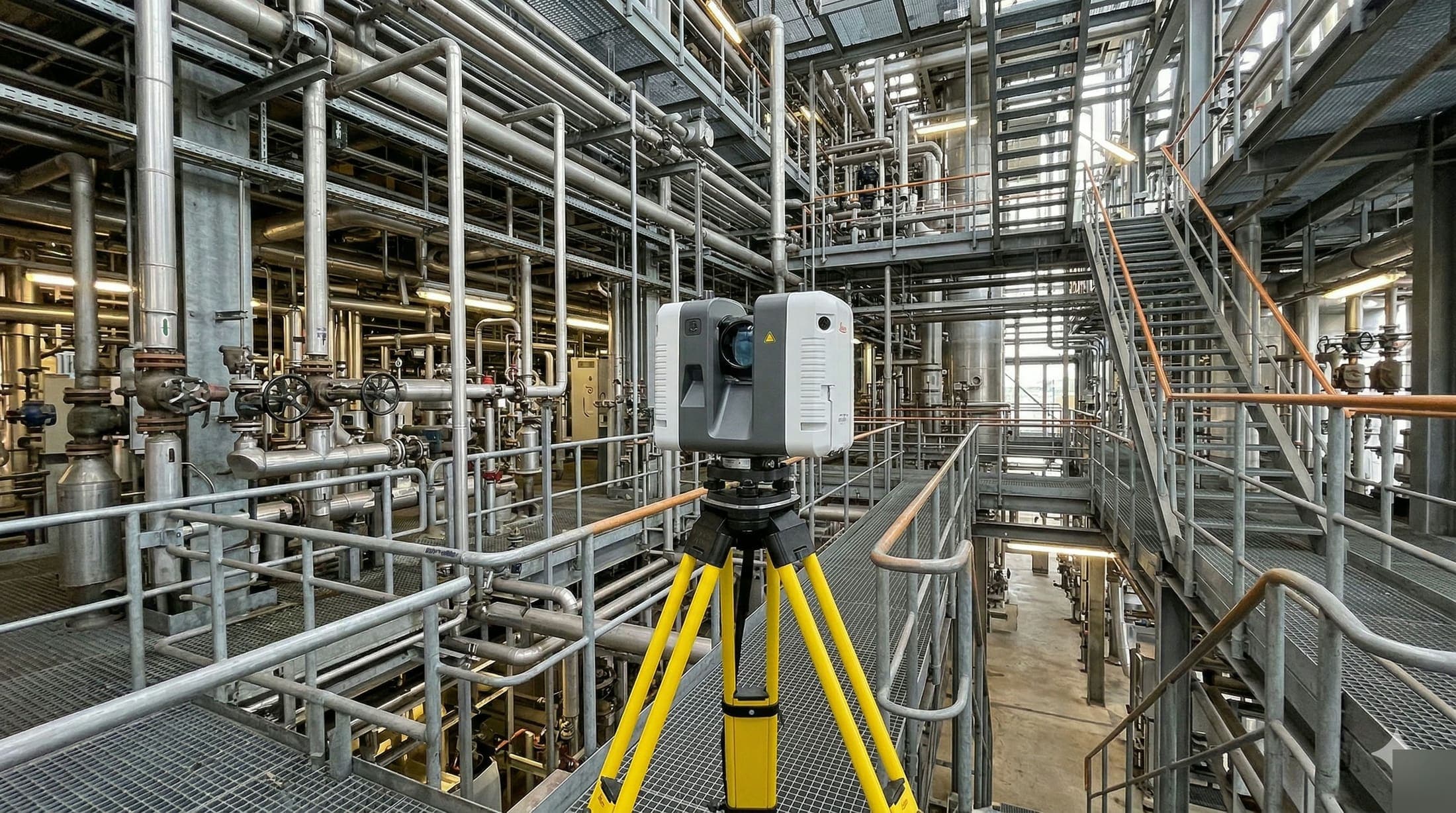
3D Scanning
Capture your installation in full digital detail. From point cloud to as-built, ready to use for BIM and engineering. Request a no-obligation quote.
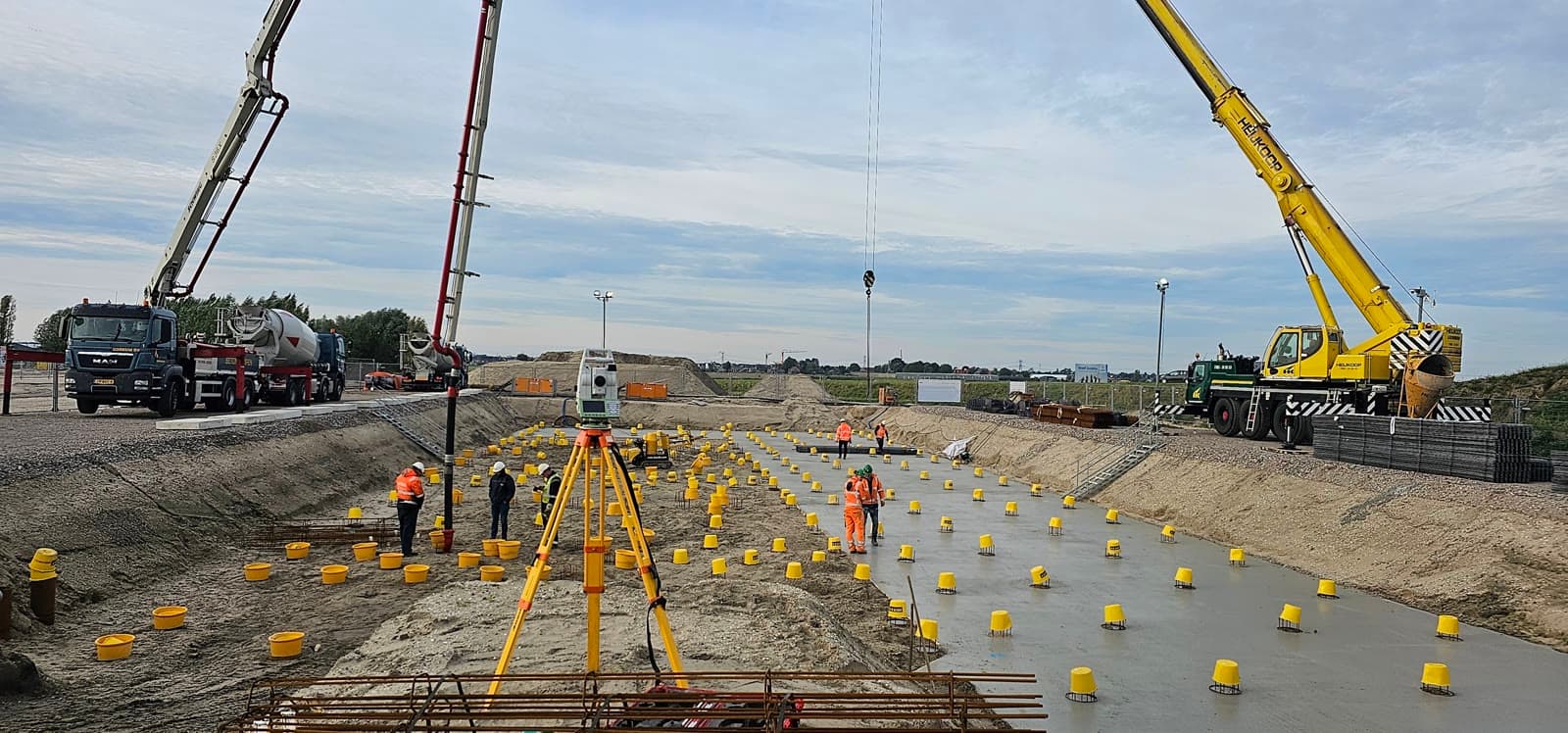
Volume Calculations
Calculate exactly how much material is in place or has to be moved. Accurate volume measurements for stockpiles and earthworks.
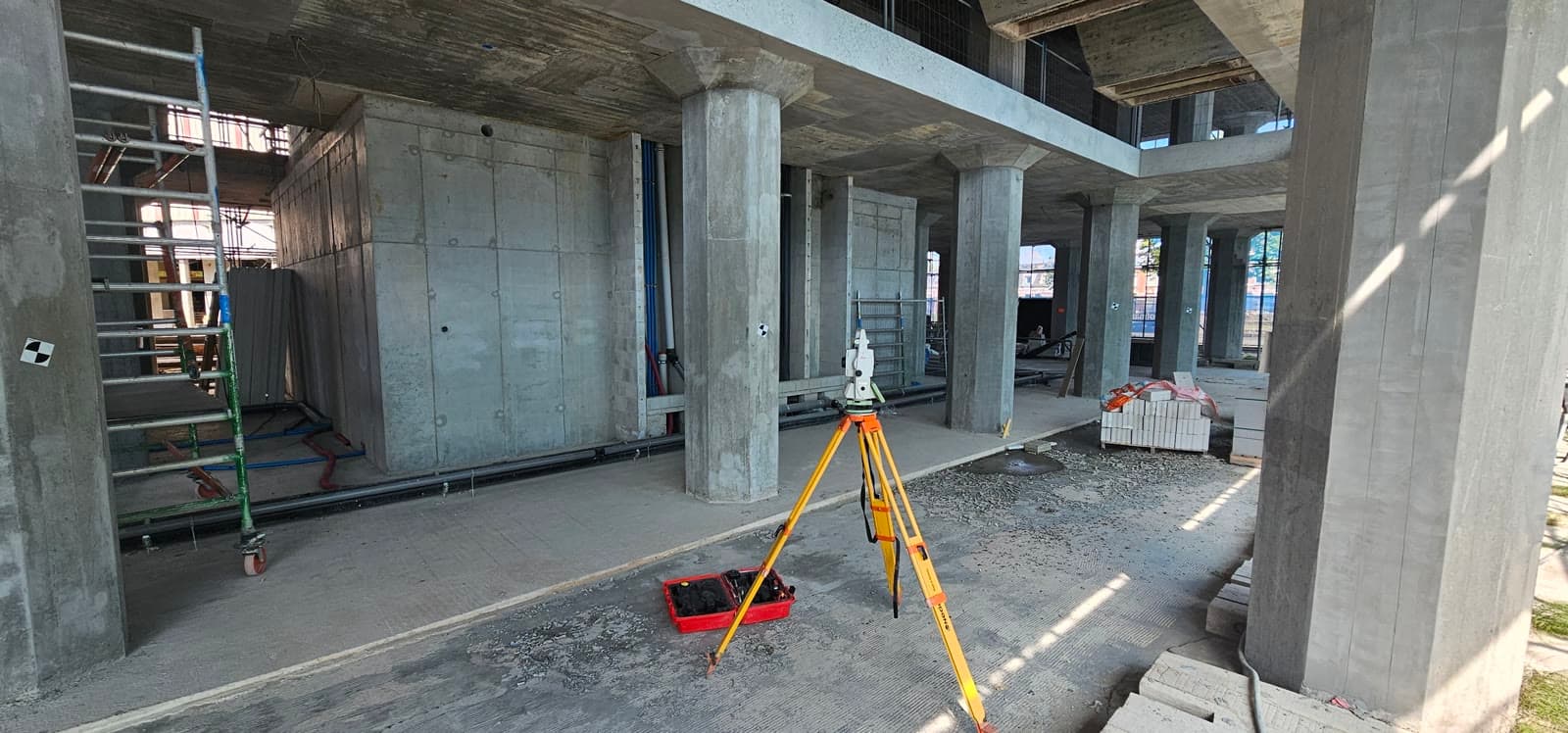
Dimensional Control
Have reference points set out so your contractor can start tomorrow. Aligned with your planning, accurate to the millimeter.
Request a quote for Drafting / CAD
Answer three short questions and leave your details. You usually get a response within 24 hours, on business days.
No-obligation advice on the approach for your project. Usually a response within 24 hours.