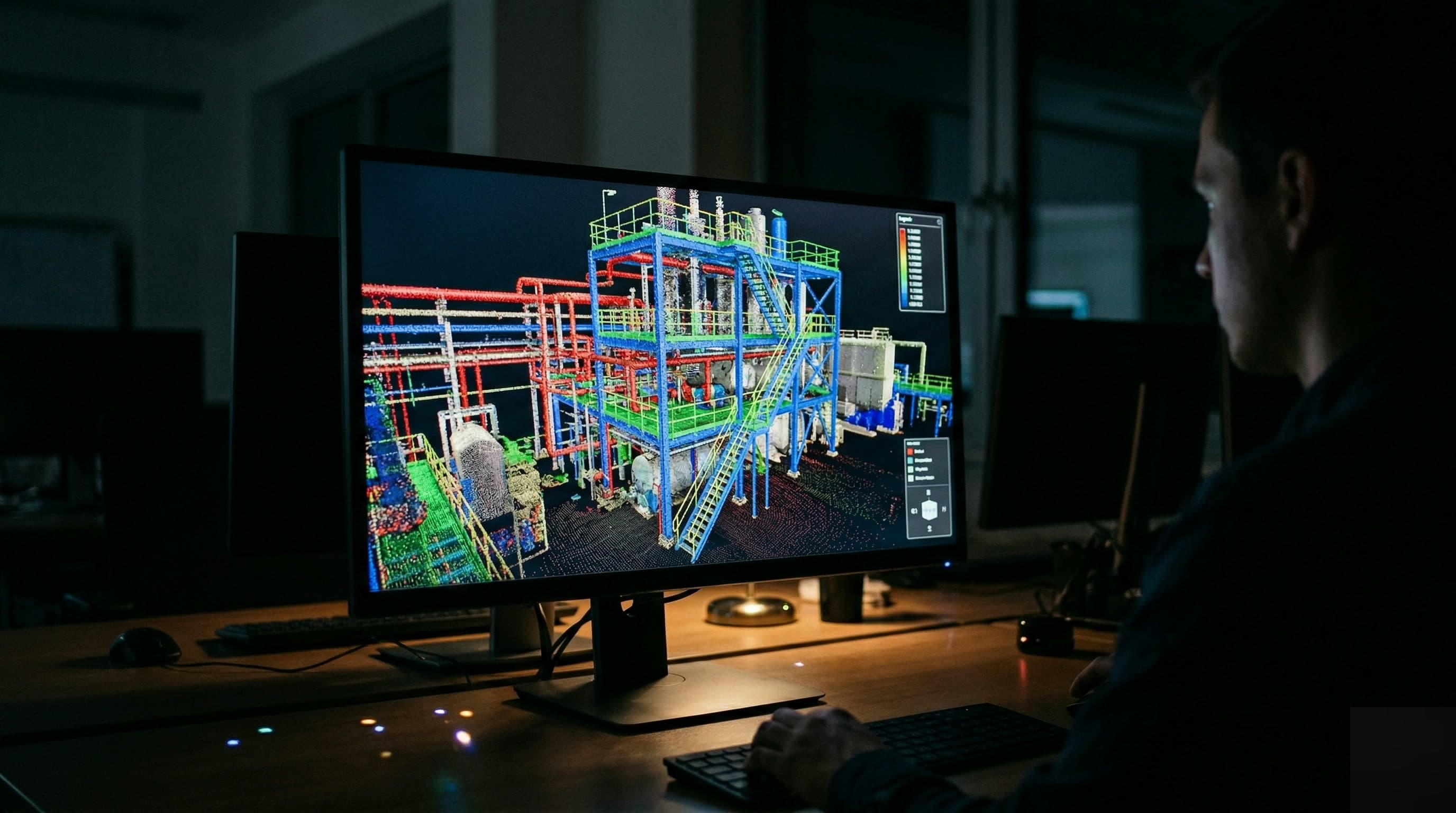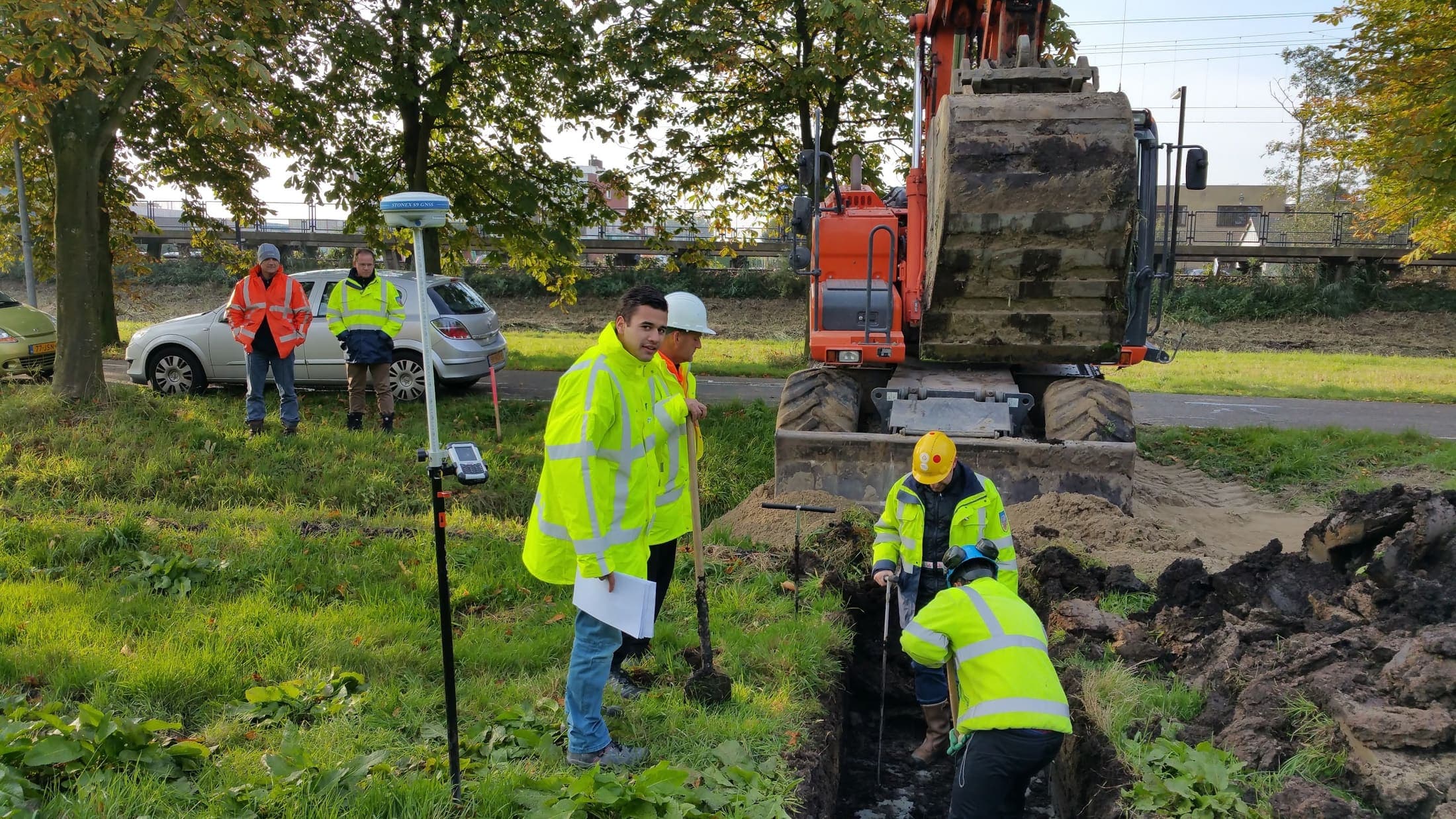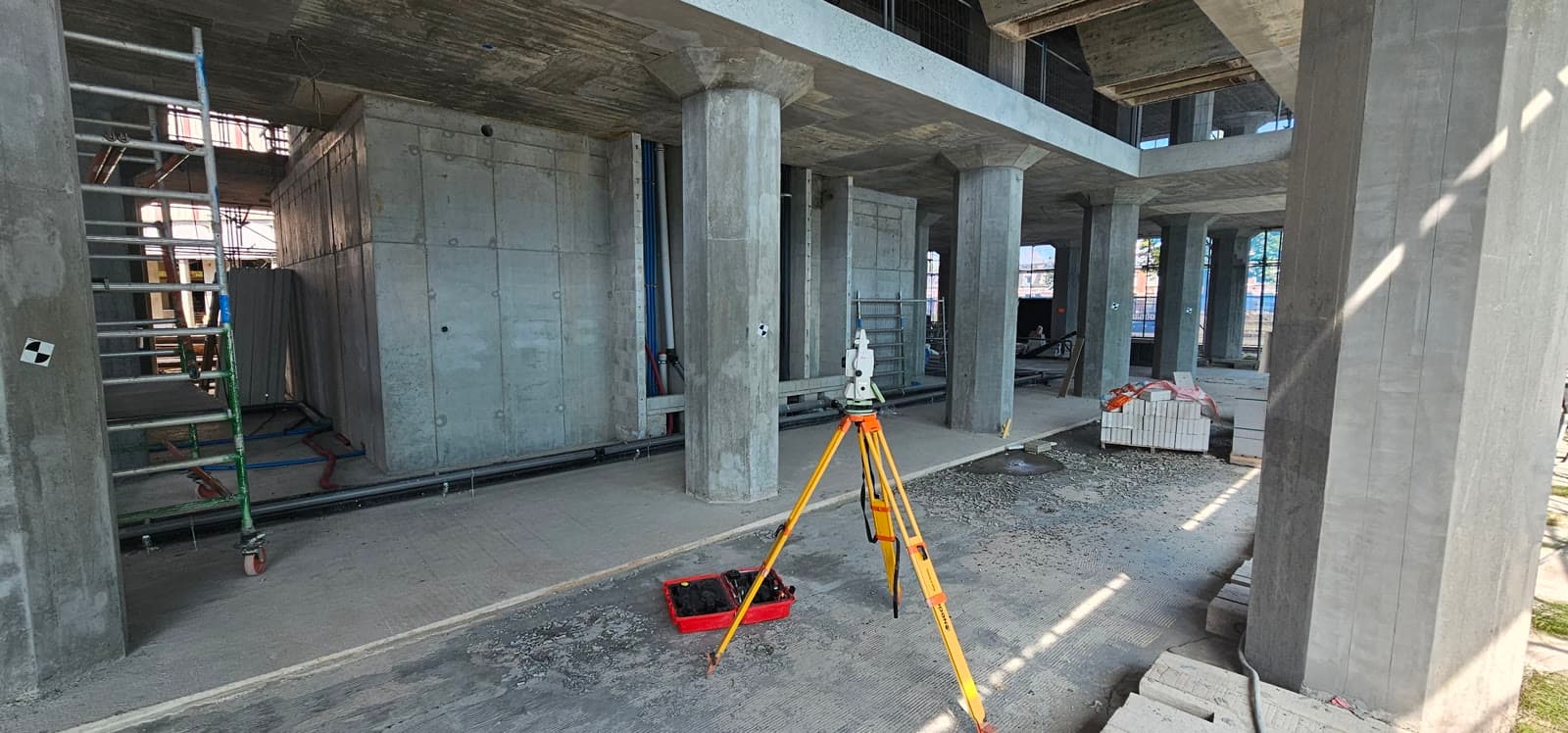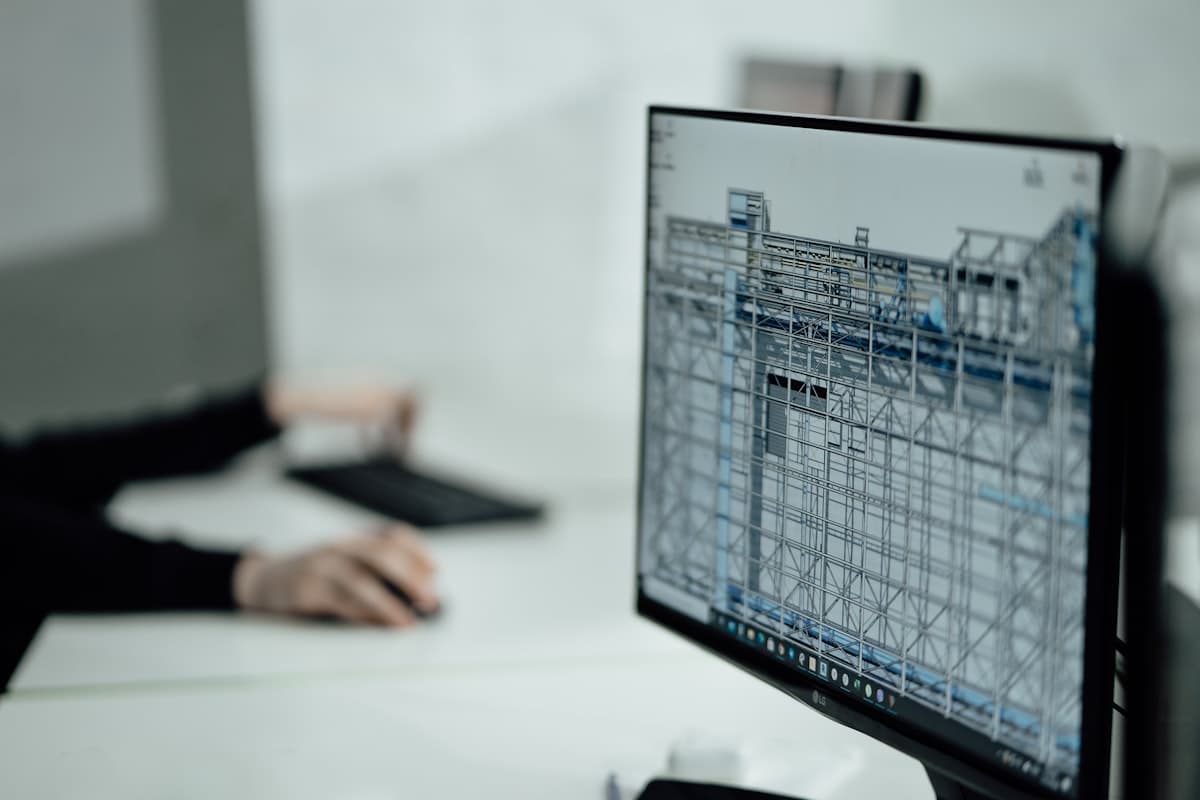
A pointcloud is a wealth of information, but also a raw input. Engineers cannot work with it directly in their drawing software. The Scan-to-BIM workflow turns raw measurement data into a structured model that is usable for engineering, facility management and renovation planning.
Step 1: Registration
Multiple scan positions are brought together into a single coordinate system. We call this registration. The result is a combined pointcloud that covers the full capture, without gaps. The more accurate the registration, the more reliable the final model.
Step 2: Modelling
Based on the pointcloud, objects are modelled: pipelines, steel structures, floors, columns. This can be done manually in Revit or Civil 3D, or semi automatically with specialised software. The level of detail (LOD) determines how much time the modelling takes and what the model can ultimately be used for.
Which level of detail do you need?
- LOD 200: geometric volumes, suitable for space planning and high level clash detection
- LOD 300: accurate geometry and position, suitable for engineering and fabrication
- LOD 400: fabrication detail, including connections and flange dimensions
Delivery
Dutch Survey BV delivers Scan-to-BIM models in RVT (Revit), IFC, DWG or DXF, depending on the project requirements. We always agree the level of detail and file format with the engineer or client, so that you can get to work straight away.
More than ten years of experience in industrial surveying and civil land surveying.
About Dutch Survey